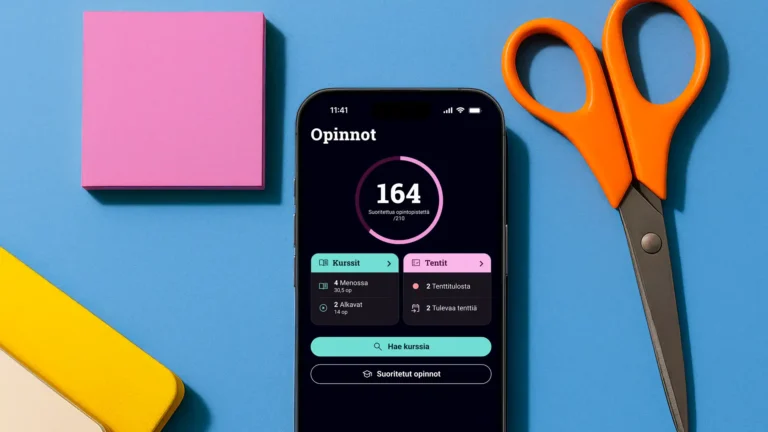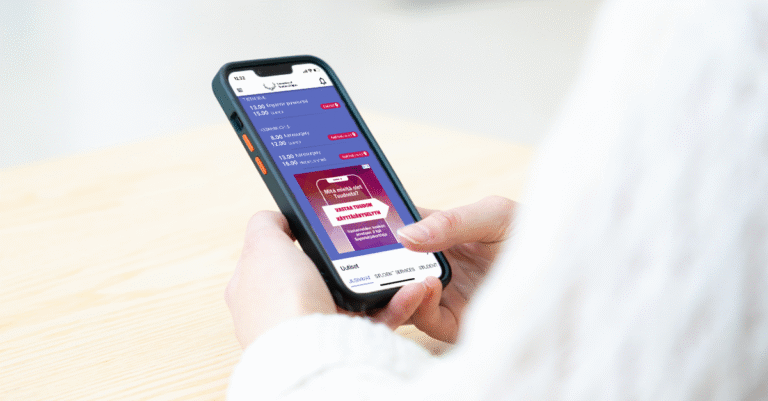

The new Tuudo was released for download at the end of November. Your Tuudo app has never undergone a change as big as this one, which understandably brings up many different feelings. You had grown used to how the old Tuudo worked and what it looked like. Letting go isn’t easy for us either! However, we could no longer guarantee the functionality of the old Tuudo for much longer; the biggest changes didn’t even happen in the app’s appearance but in its backend system. Without a complete overhaul, the Tuudo app would soon have stopped working.
Although renewing Tuudo was necessary, it doesn’t mean we aren’t listening to feedback. We have been actively monitoring the feedback sent to us and the discussions happening across different channels. Unfortunately, with major updates like this, unexpected issues can sometimes occur. Nevertheless, we’ve been working tirelessly to fix them. Tuudo is now receiving updates at a rapid pace as we address exactly the issues reported by users.
With the latest update, you can now:
- Renew loans in the Library view
- See your loan due dates
- Change or upload a photo for your student card
- Filter campus restaurants
- Remove followed courses from your schedule
- View your grades if you study at a Studenta institution
- Access the Tuudo hamburger menu with sections pre-expanded
- Filter Space reservations; for example, the toggle button now shows only reservable spaces
- Read additional details in the People and Services view
- Clear Tuudo’s cache
- Connect Tuudo’s calendar to an external calendar app
We also made many other improvements to enhance your user experience. Always check the app store to see if an update for Tuudo is available, or enable automatic updates.
Updates coming before the end of the year:
- Swedish language support for the Tuudo app
- A location pin for maps
- Adding recurring calendar entries
- Fixing links in calendar events (e.g., Zoom)
- Fixing location buttons for campus restaurants
- Automatic screen brightness increase when using the student card QR code or library card
If you encounter new issues in your updated Tuudo, please contact us as usual through the Feedback & Support section in Tuudo’s hamburger menu.